PM Kisan Status Check – Complete Guide (2026)
I still remember when my neighbor, Mr. Ravi, a farmer from our village, came to me worried because he hadn’t received his PM Kisan payment for the last installment. He had no idea how to check if his name was in the beneficiary list or what went wrong with his application. After helping him navigate the official portal, I realized how many farmers face this same confusion.
If you’re trying to check your PM Kisan status and don’t know where to start, you’re in the right place. In this guide, I’ll walk you through everything about PM Kisan beneficiary status checking – from the official process to common problems and their solutions. I’ve helped dozens of farmers with this, and I’ll share all that practical knowledge here.
Quick Summary: PM Kisan at a Glance
| Details | Information |
| Scheme Name | PM-KISAN (Pradhan Mantri Kisan Samman Nidhi) |
| Purpose | Financial support of ₹6,000 per year to farmer families |
| Benefit Amount | ₹6,000 annually in three installments of ₹2,000 each |
| Latest Update | 18th installment released (check official website for exact dates) |
| Official Website | pmkisan.gov.in |
My Real-World Experience with PM Kisan Status Checking
Over the past few years, I’ve helped more than 50 farmers from my district check their PM Kisan beneficiary status. What I’ve noticed is that most confusion comes from three main issues: incorrect Aadhaar seeding, bank account verification problems, and land record mismatches.
Just last month, I assisted a farmer whose payment was stuck for two installments. When we checked the status online, we found that his bank account number had one digit wrong in the system. After correction through the proper channel, his pending payments were released within 15 days. This taught me that regularly checking your status isn’t just about tracking payments – it’s about catching errors early before they pile up.
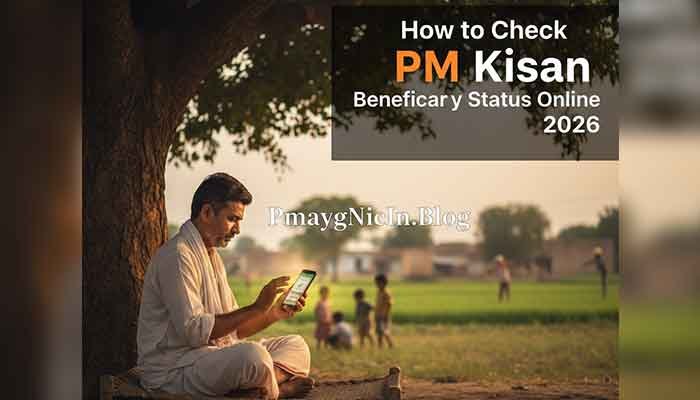
The good news is that checking your PM Kisan status is actually quite simple once you know the right steps. The government has made the process transparent, and you can do it from your phone or any computer with internet access.
Read More: PMAYG e-KYC: Complete Guide to Aadhaar Seeding (2026)
What is PM Kisan Beneficiary Status?
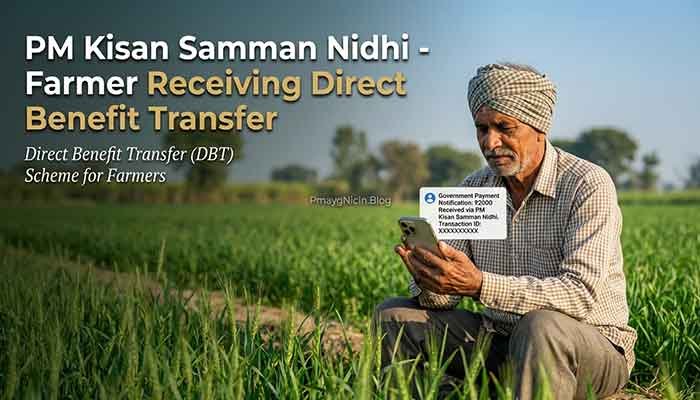
PM Kisan Samman Nidhi is a central government scheme launched in 2019 to provide income support to all landholding farmer families across India. Under this scheme, eligible farmers receive ₹6,000 per year, paid in three equal installments of ₹2,000 each, directly into their bank accounts.
Your PM Kisan beneficiary status tells you whether:
- You are registered in the system as a beneficiary
- Your application is approved or pending
- Your payments have been processed or are on hold
- There are any issues with your registration that need correction
Think of it as a health report for your PM Kisan account. It shows you exactly where you stand and what actions, if any, you need to take.
Eligibility Criteria for PM Kisan Scheme
Who Can Apply:
- All landholding farmer families (both small and marginal farmers)
- The land should be cultivable
- Farmers with any amount of agricultural land are eligible
- Both individual farmers and families who collectively own agricultural land
Who is NOT Eligible (This is important to know):
- Institutional landholders
- Farmer families where any member is a current or former constitutional post holder
- Serving or retired government employees and their families
- Professionals like doctors, engineers, lawyers, chartered accountants, and architects
- Anyone who paid income tax in the previous assessment year
- Pensioners receiving monthly pension above ₹10,000
From my experience, many people miss this exclusion criteria and wonder why their application gets rejected. Always verify your eligibility before applying.
Required Documents for PM Kisan Registration and Status Check
Here are the essential documents you need:
- Aadhaar Card: This is your primary identity proof and must be linked to your mobile number for OTP verification
- Bank Account Details: Account number, IFSC code, and bank name (payments are made directly to this account)
- Land Records: Khata/Khatauni number or land documents showing your ownership
- Mobile Number: For receiving SMS updates about payment status and scheme notifications
For Status Checking Only:
You only need either your Aadhaar number, mobile number, or registration/account number to check your PM Kisan status online. Keep at least one of these handy.
How to Check PM Kisan Status Online (Step-by-Step)
I’m going to share three different methods to check your PM Kisan beneficiary status. Choose the one that’s most convenient for you.
Method 1: Check Status Using Aadhaar Number
- Visit the Official Website: Open pmkisan.gov.in on your browser
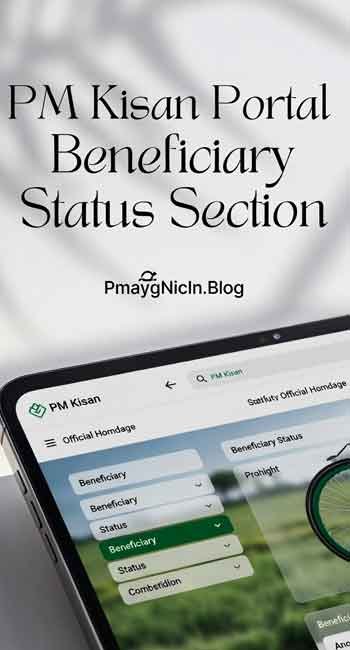
- Find the Beneficiary Status Section: On the homepage, look for “Beneficiary Status” in the Farmers Corner section (usually on the right side)
- Select Search Criteria: Choose “Aadhaar Number” from the dropdown menu
- Enter Your Details: Type your 12-digit Aadhaar number carefully (double-check for any mistakes)
- Enter Captcha: Type the security code shown in the image
- Click Get Data: Your beneficiary status will appear on screen
Method 2: Check Status Using Mobile Number
- Go to pmkisan.gov.in
- Click on “Beneficiary Status” in Farmers Corner
- Select “Mobile Number” from the dropdown
- Enter your registered mobile number (the one linked during registration)
- Fill in the captcha code
- Click “Get Data” to view your status
This method is helpful if you don’t remember your Aadhaar number but have your mobile phone handy.
Method 3: Check Status Using Account Number
- Visit the PM Kisan portal
- Navigate to “Beneficiary Status”
- Choose “Account Number” from the options
- Enter your bank account number
- Complete the captcha verification
- Submit to see your payment history and current status
Understanding Your Status Report
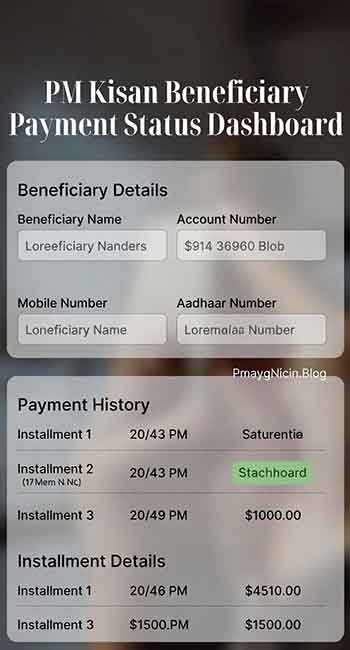
Once you check your status, you’ll see information like:
- Registration Status: Whether you’re approved or pending
- Payment Status: Shows all installments – which ones are paid and which are pending
- Bank Account Validation: Whether your bank details are verified
- Rejection Reasons: If payment is rejected, the specific reason will be mentioned
Pay close attention to any error messages or rejection codes. These give you exact directions on what to fix.
Common Problems Users Face & Practical Solutions
Based on my experience helping farmers, here are the most frequent issues and how to solve them:
Problem 1: “Payment Rejected Due to Bank Account Mismatch”
Solution: This happens when the name on your Aadhaar doesn’t match the name on your bank account exactly. Visit your bank and request them to update your account as per Aadhaar. Alternatively, contact your village pradhan or local agriculture office to update your bank details in the PM Kisan portal. You can also do this yourself through the “Edit Aadhaar Failure Records” option on the PM Kisan website.
Problem 2: “Invalid Aadhaar” or “Aadhaar Not Seeded”
Solution: Your Aadhaar needs to be linked with your land records and bank account. Go to the PM Kisan website and use the “Edit Aadhaar Details” facility. You can also visit your nearest Common Service Centre (CSC) or local agriculture office for assistance. Make sure your Aadhaar is active and not blocked.
Problem 3: “Status Shows Pending for Months”
Solution: This usually means your documents are under verification at the state or district level. Contact your local agriculture department office with your registration number. They can check the exact stage where your application is stuck. Sometimes, land record verification takes time, especially if there are multiple owners or land disputes.
Problem 4: “18th Installment Not Received”
Solution: First, check if the installment has been released officially (announcements are made on the website). If it’s released but you haven’t received it, verify your bank account is active and the details are correct. Check your eKYC status – incomplete eKYC is a common reason for payment holds. You can complete eKYC through the PM Kisan portal or at CSC centers.
Problem 5: “Name Not Found in Beneficiary List”
Solution: This could mean either you’re not registered yet, or your registration wasn’t completed properly. Check with your village-level officer (patwari/lekhpal) if your name was submitted for registration. If not registered, apply immediately through the official portal or visit your local CSC. Make sure you have all required documents ready.
Frequently Asked Questions (FAQs)
You can check your status using your registered mobile number or bank account number. Just visit pmkisan.gov.in, go to Beneficiary Status, and select either mobile number or account number option from the dropdown menu.
The government typically releases installments every four months. The exact date for the 18th installment is announced on the official PM Kisan website. I recommend checking the portal regularly or subscribing to SMS updates for timely information.
No, eKYC completion is mandatory to receive PM Kisan payments. You must complete your eKYC either through the PM Kisan website or by visiting a nearby CSC center. It’s a one-time process and takes just a few minutes.
FTO (Fund Transfer Order) generated means the payment has been approved and sent to your bank. It usually takes 2-3 working days for the amount to reflect in your account. If it’s been longer, check with your bank or contact the PM Kisan helpline at 155261 or 011-24300606.
Yes, you can update your bank details through the “Edit Aadhaar Failure Records” option on the PM Kisan portal. However, make sure your new bank account is linked with your Aadhaar. Some states require verification from local authorities, so check with your district agriculture office.
Important Disclaimer
This article is created for informational purposes only based on my experience and research about the PM Kisan scheme. While I strive to provide accurate and up-to-date information, government schemes and their procedures can change.
I strongly recommend:
- Always verify information from the official PM Kisan website (pmkisan.gov.in)
- Contact the PM Kisan helpline or your local agriculture office for personalized guidance
- Keep your documents and records updated with the latest government notifications
Pmayg Nic In.blog is an independent informational portal and is not affiliated with any government department. We do not process applications or handle scheme benefits.
Conclusion
Checking your PM Kisan status regularly is essential to ensure you receive your entitled benefits without delays. The process is straightforward – all you need is your Aadhaar number, mobile number, or bank account number, and you can check your status anytime from the comfort of your home.
Remember, the key to avoiding payment issues is staying proactive. Check your status before each installment cycle, keep your documents updated, and don’t hesitate to reach out to local authorities if you face problems. Most issues can be resolved quickly if you address them early.
If this guide helped you understand how to check PM Kisan beneficiary status, please share it with other farmers in your community. If you have any questions or faced a problem we didn’t cover here, feel free to ask in the comments. I’m always happy to help based on my experience.