PMAYG Sanction Letter Download – Complete Guide (2026)
Introduction
Last month, I received a call from my neighbor Mrs. Sharma. She was worried because she had applied for the Pradhan Mantri Awas Yojana – Gramin (PMAY-G) three months ago, but had no idea whether her application was approved or not. “Suman, how do I know if my house sanction is approved? Where can I get the letter?” she asked.
This is a common confusion I’ve noticed among rural beneficiaries. Many people don’t realize that the PMAYG sanction letter download process is completely online now. You don’t need to visit government offices repeatedly or wait for physical documents.
In this guide, I’ll walk you through everything you need to know about downloading your PMAY-G sanction letter, checking your approval status, and solving common problems that applicants face.
Quick Summary (At A Glance)
| Detail | Information |
|---|---|
| Scheme Name | Pradhan Mantri Awas Yojana – Gramin (PMAY-G) |
| Purpose | Housing assistance for rural households |
| Sanction Letter | Official approval document for financial assistance |
| Download Method | Online through official PMAY-G portal |
| Official Website | pmayg.nic.in |
| Latest Update | Online download facility active as of 2026 |
My Real-World Experience with PMAY-G Applications
I’ve been helping people understand government schemes for over five years now, and PMAY-G is one of the most impactful programs I’ve seen. Through my work at community centers in rural Uttar Pradesh and Bihar, I’ve assisted dozens of families in navigating this scheme.
What I’ve observed is that most people successfully apply for PMAY-G, but they get stuck at the next step – accessing their sanction letter. Many beneficiaries are people or have limited digital literacy, so understanding the online portal feels overwhelming.
One thing I always tell people: the sanction letter is your proof of approval. Without it, you cannot proceed with the construction or claim installments. That’s why knowing how to download it is crucial.
Read More: PMAYG Grievance – How to File & Track (2026 Guide)
What is PMAY-G Sanction Letter?
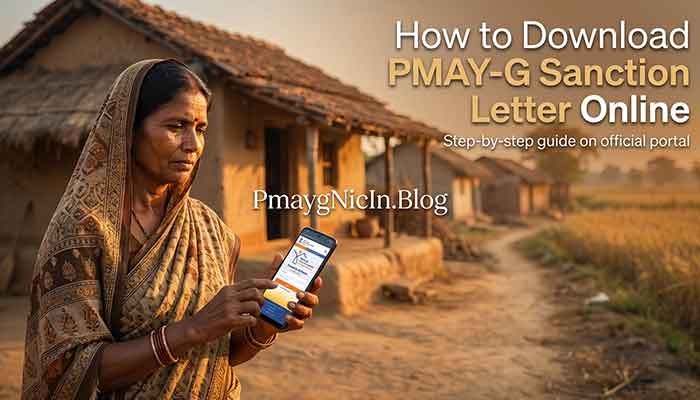
The PMAY-G sanction letter is an official document issued by the government that confirms your application for housing assistance has been approved. Think of it as your green signal to start building your pucca house.
This letter contains important details like:
- Your registration number
- Sanctioned amount (usually ₹1,20,000 for plain areas or ₹1,30,000 for hilly/difficult areas)
- Installment breakdown
- Bank account details where funds will be transferred
- Timeline for construction completion
Once you receive this sanction, you become an official PMAY-G beneficiary and can begin construction work knowing that financial support is on its way.
Eligibility Criteria for PMAY-G
Before downloading the sanction letter, it’s important to understand who qualifies for PMAY-G:
Eligible Beneficiaries:
- Households without a pucca house
- Families with annual income below certain thresholds
- Those excluded from SECC 2011 exclusion criteria
- Households with at least one adult female member
- Families living in kutcha or dilapidated houses
Who is NOT Eligible:
- Families owning motorized vehicles (except tractors)
- Households with government employees
- Families with income tax payees
- Those already owning pucca houses
- Beneficiaries of previous housing schemes
Understanding eligibility helps you know whether to expect a sanction letter in the first place.
Required Documents for PMAY-G
When you applied for PMAY-G, you submitted various documents. These same documents help verify your identity when downloading the sanction letter:
- Aadhaar Card – Primary identity proof linked to application
- Bank Account Details – Passbook copy for subsidy transfer
- SECC 2011 Data – Automatically verified during application
- Job Card (if applicable) – For MGNREGA integration
- Mobile Number – Registered during application for OTP verification
Most people don’t need to submit these again for downloading the letter, but keeping them handy helps if you need to verify details or resolve issues.
How to Download PMAYG Sanction Letter (Step-by-Step)
Let me break down the entire process into simple steps. I recommend keeping your registration number or Aadhaar number ready before starting.
Step 1: Visit the Official PMAY-G Portal
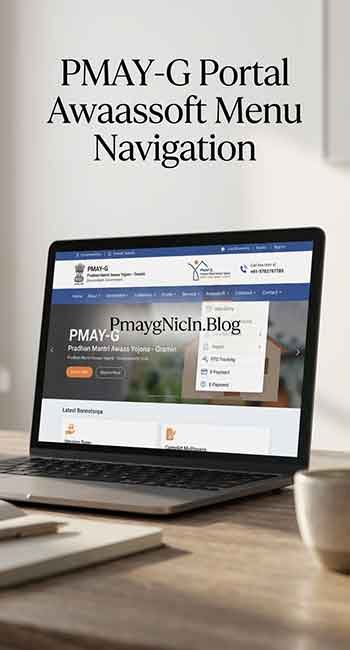
Open your web browser and go to pmayg.nic.in (the official PMAY-G website). Make sure you’re on the correct site – avoid third-party websites claiming to offer sanction letters.
Step 2: Navigate to ‘Awaassoft’ Section
On the homepage, look for the “Awaassoft” menu option. This is the main portal where all beneficiary data is stored. Click on it to proceed.
Step 3: Select ‘Report’ Option
Under Awaassoft, you’ll find several options. Click on “Report” from the dropdown menu. This section contains all downloadable documents related to PMAY-G.
Step 4: Choose ‘Sanctioned List’ or ‘Beneficiary Details’
You’ll see multiple report types. For downloading your sanction letter, select:
- “H. Social Audit Reports” > “Beneficiary details for verification” OR
- “E. Sanctioned” option
Different states may have slightly different menu structures, but the sanctioned list option is available everywhere.
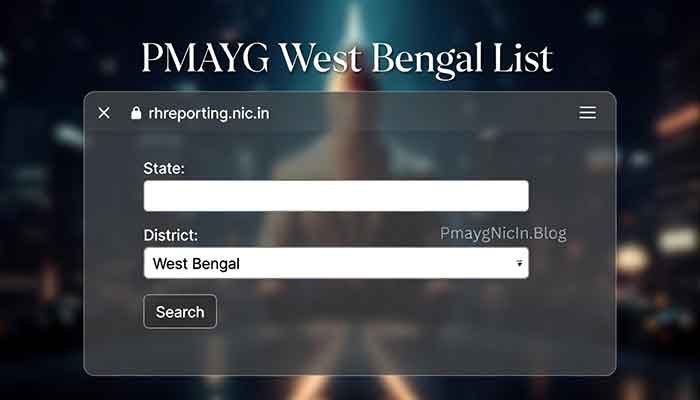
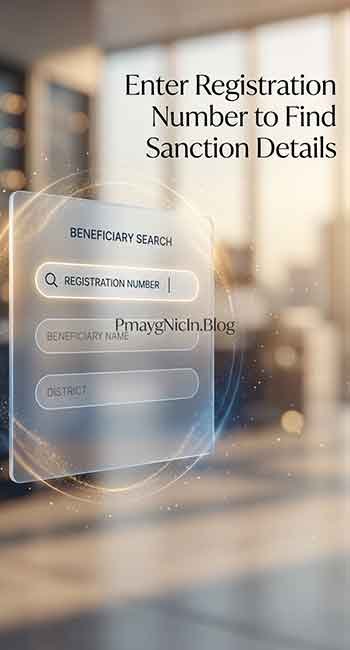
Step 5: Enter Your Details
Now enter your search parameters:
- State – Select your state
- District – Choose your district
- Block – Select your block
- Panchayat – Choose your gram panchayat
- Financial Year – Select the year you applied
Then enter either your Registration Number or Aadhaar Number to search for your specific application.
Step 6: Search and View Your Details
Click the “Search” button. The system will display your beneficiary details including sanction status, sanctioned amount, and installment information.
Step 7: Download or Print the Sanction Letter
Once your details appear, you’ll see a “Download” or “Print” button next to your entry. Click it to generate a PDF copy of your sanction letter.
Save this PDF on your phone or computer. I always recommend taking a printout and keeping it safe for future reference.
Common Problems Users Face & Solutions
Through my experience, I’ve noticed these recurring issues:
Problem 1: “My registration number is not showing any results”
Solution: Double-check that you’re selecting the correct financial year. Many people apply in one year but get sanctioned in the next. Also verify you’re searching in the right panchayat. If still not found, contact your gram panchayat office – there might be a data entry error.
Problem 2: “The website is very slow or not loading”
Solution: PMAY-G portal receives heavy traffic, especially during the day. I’ve found that accessing it early morning (6-8 AM) or late evening (after 9 PM) works much better. Also try using Google Chrome or Firefox browsers.
Problem 3: “I can see my name but there’s no download button”
Solution: This usually means your sanction is approved but the letter generation is pending. Wait 2-3 days and check again. If it persists for a week, visit your block development office.
Problem 4: “I don’t have my registration number”
Solution: You can search using your Aadhaar number instead. Alternatively, contact the person who helped you apply (gram panchayat official or common service center) – they should have your registration details.
Problem 5: “The PDF is not opening or is blank”
Solution: This is usually a browser issue. Clear your browser cache, or try downloading using a different browser. If you’re on a phone, install Adobe PDF Reader app for better compatibility.
Frequently Asked Questions (FAQs)
Q1: How long does it take to get the PMAYG sanction letter after applying?
Typically, it takes 2-4 months from application submission to sanction approval. However, this varies by state and depends on fund availability and verification processes.
Q2: Can I download someone else’s sanction letter if I know their details?
Technically yes, as the portal is public. However, the sanction letter is a personal document. Only the beneficiary or their authorized representative should handle it.
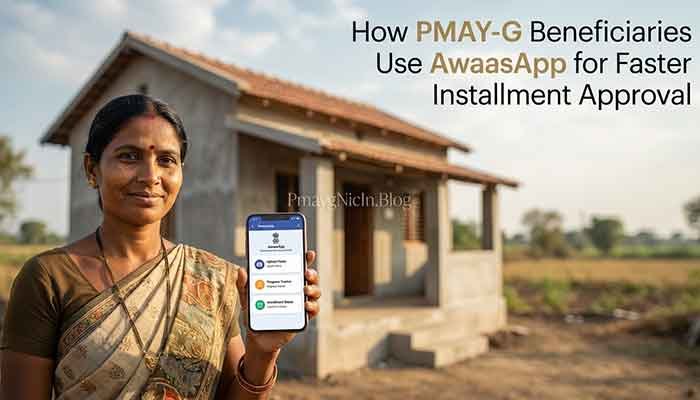
Q3: Is there a mobile app for downloading PMAY-G sanction letter?
Currently, there’s no official dedicated app. You need to access the portal through a mobile browser. The website is mobile-friendly and works on smartphones.
Q4: What if my sanction letter shows wrong bank details?
Contact your gram panchayat immediately. They can initiate a correction request through the proper channels. Don’t delay this – wrong bank details will prevent fund transfer.
Q5: Do I need to download the sanction letter multiple times for each installment?
No, the sanction letter is issued once. However, you should download or save installment release orders separately as they’re generated for each payment phase.
Important Disclaimer
I want to be very clear about something: this article is purely for informational purposes based on my experience and understanding of the PMAY-G scheme. I am not a government official, and this is not an official government communication.
All information provided here is accurate to the best of my knowledge as of 2026, but government schemes and portals can undergo changes. I strongly encourage you to:
- Verify all information from the official PMAY-G website (pmayg.nic.in)
- Contact your local gram panchayat or block development office for personalized assistance
- Read official scheme guidelines published by the Ministry of Rural Development
If you notice any discrepancies or have official updates to share, please let me know so I can help keep this information current and helpful for everyone.
Conclusion
Downloading your PMAYG sanction letter is simpler than most people think. The key is knowing where to look and having patience with the portal. From my experience, once you do it successfully the first time, you’ll find it quite straightforward.
Remember, this sanction letter is your gateway to building a pucca house through government assistance. Keep it safe, take printouts, and don’t hesitate to seek help from your local panchayat office if you face technical difficulties.
I hope this guide helped clarify the process for you. If you found it useful, share it with others in your village or community who might benefit. And if you have questions or faced different issues, feel free to ask – I’m always learning from real experiences.
Best wishes for your new home construction journey!
– Suman
Sarkari Scheme Researcher & Guide
Pmayg Nic In.blog